+ Online
Sell at the counter and online, from one inventory
Set up your store and design it the way you like. Customers pay, you get paid, and your inventory updates itself.

How it works
From your store to the order
- 01
Set up your store
Pick a template, add your brand, and publish when you’re ready.
- 02
Customers browse
Photos, sizes and colours, with up-to-date inventory.
- 03
They order and pay
Online or at your counter. Online, they pay by card with Stripe, straight to your account.
- 04
Inventory comes off
The moment they order, so you never sell what you don’t have.
- 05
You prepare it
Online orders go out for pickup or delivery, with an email receipt.
In store
Sell at the counter
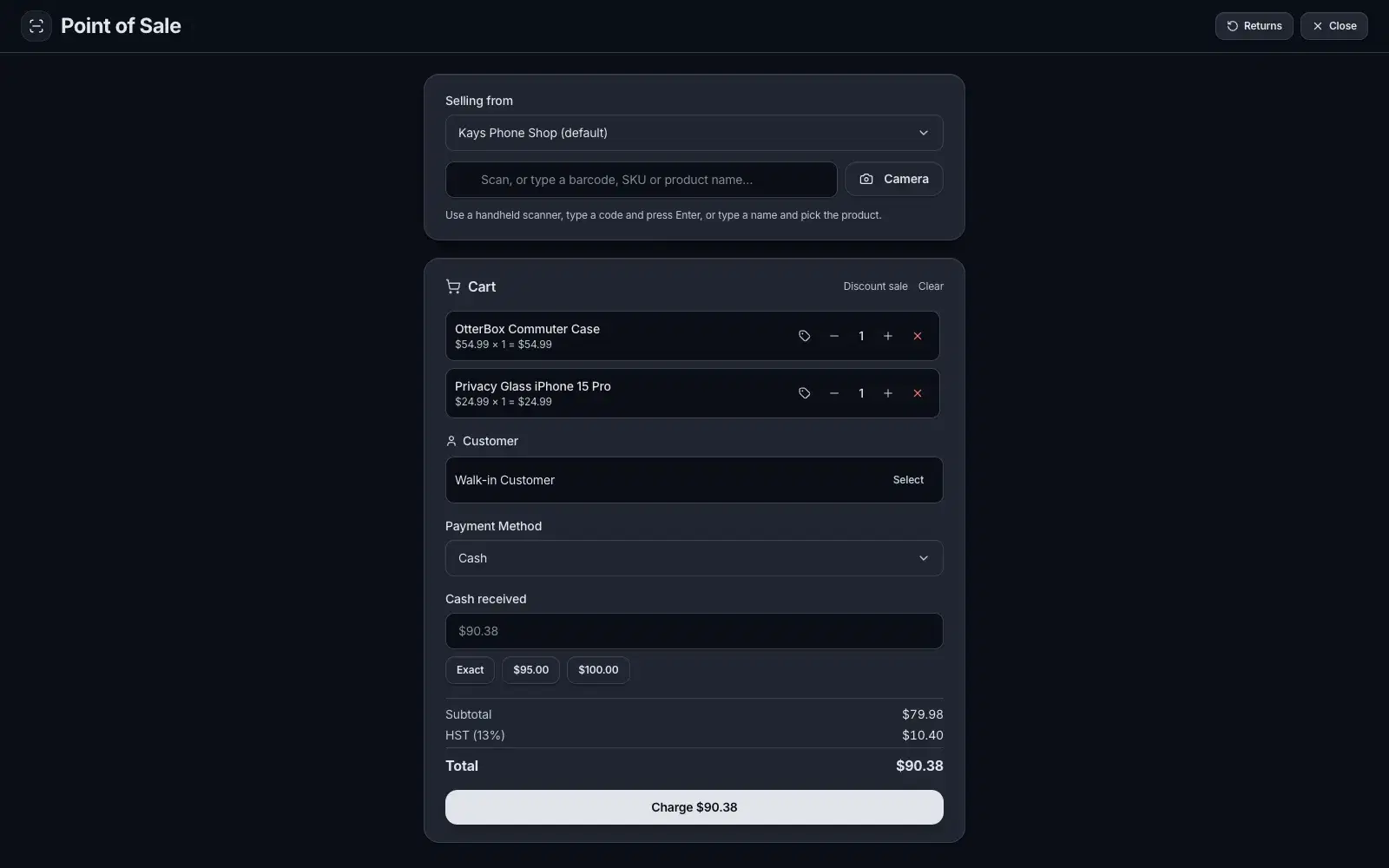
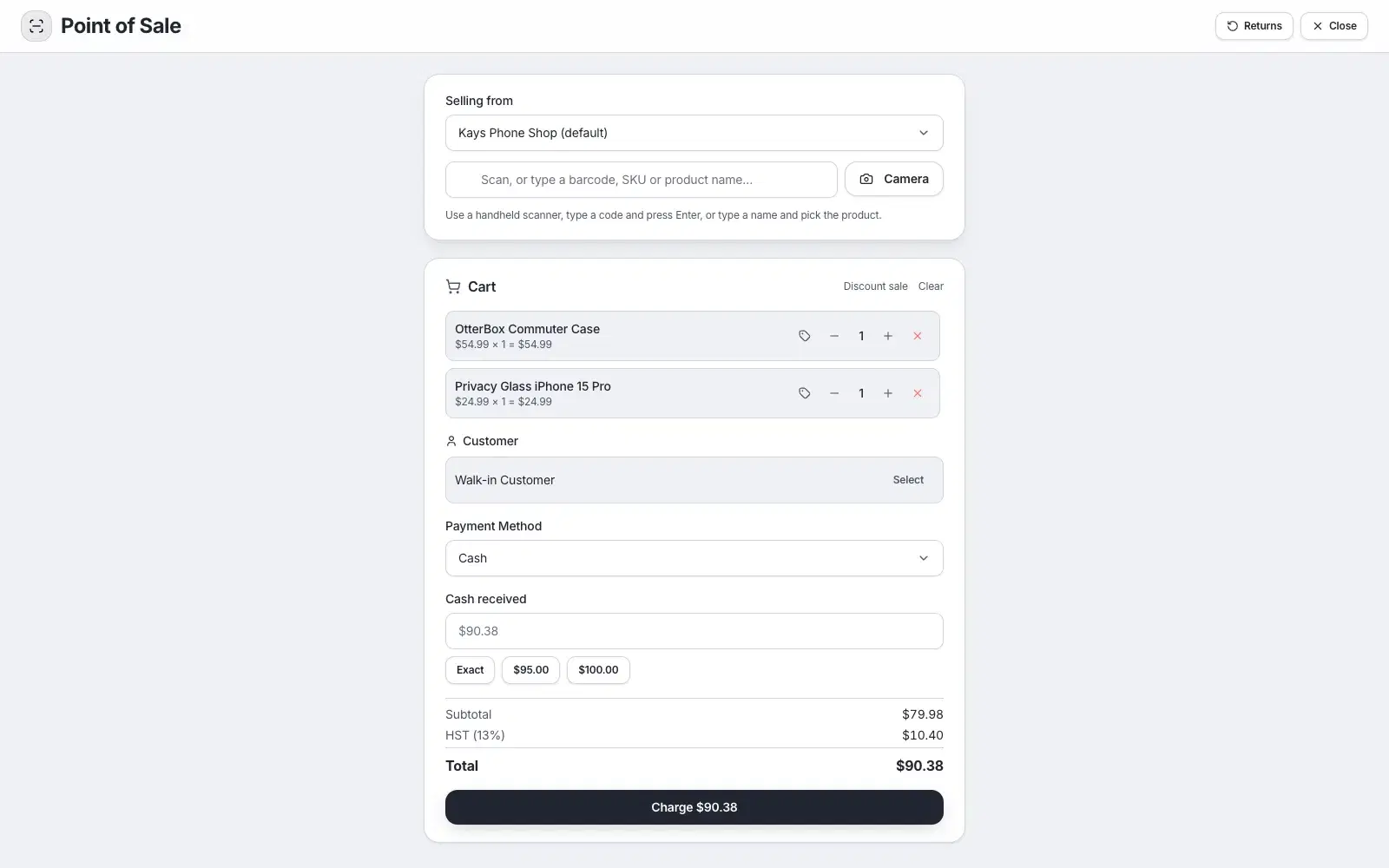
Point of sale on the same inventory, with every order in one list.
Point of sale
Sell in person from the same inventory.
Every order in one list
Online and counter, together.
Inventory updates on every sale
Never sell what you don’t have.
Payment status
Paid, part paid or waiting.
Tax done for you
Canadian sales tax worked out on every sale.
Customers & history
What each customer ordered.
Online store
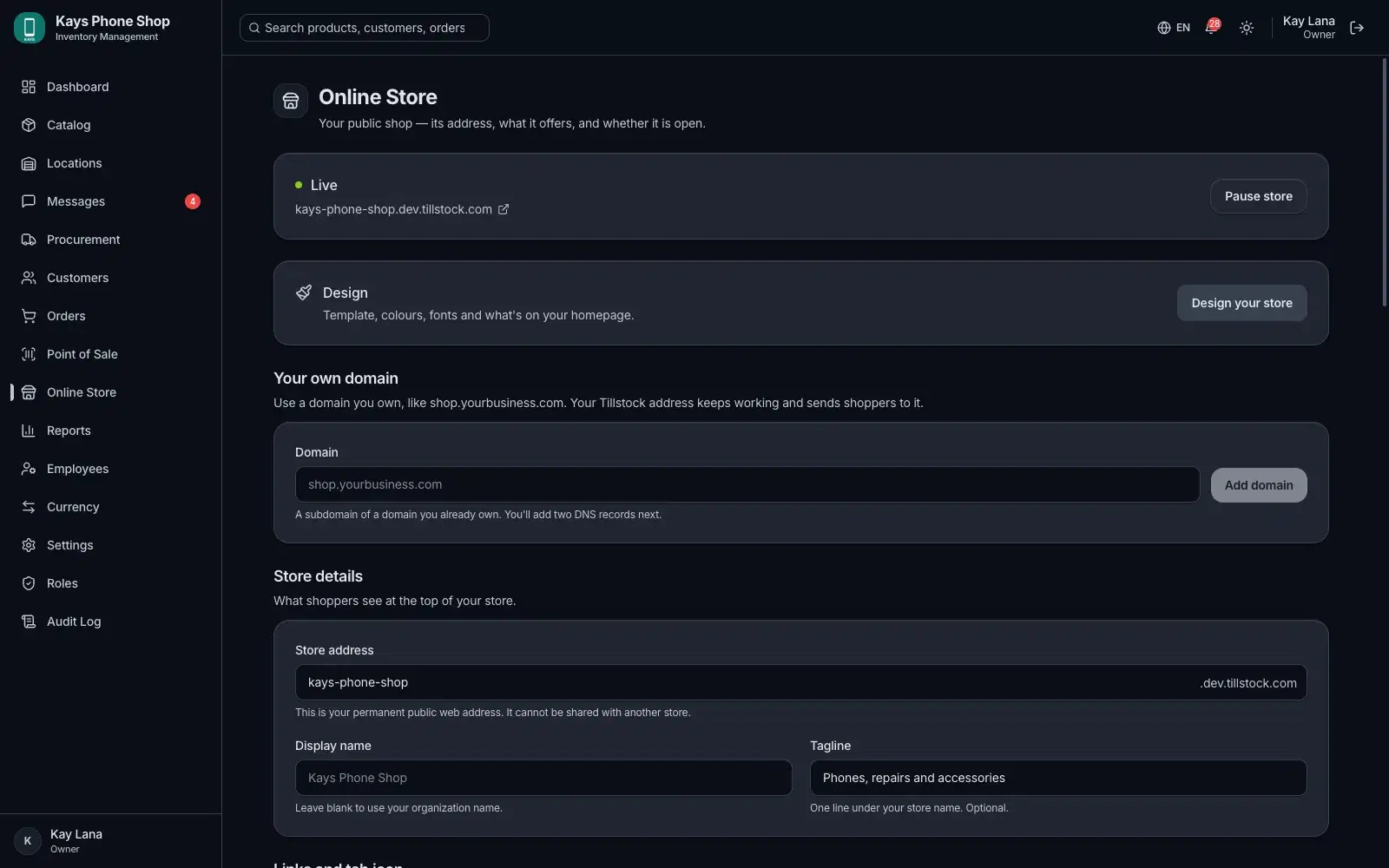
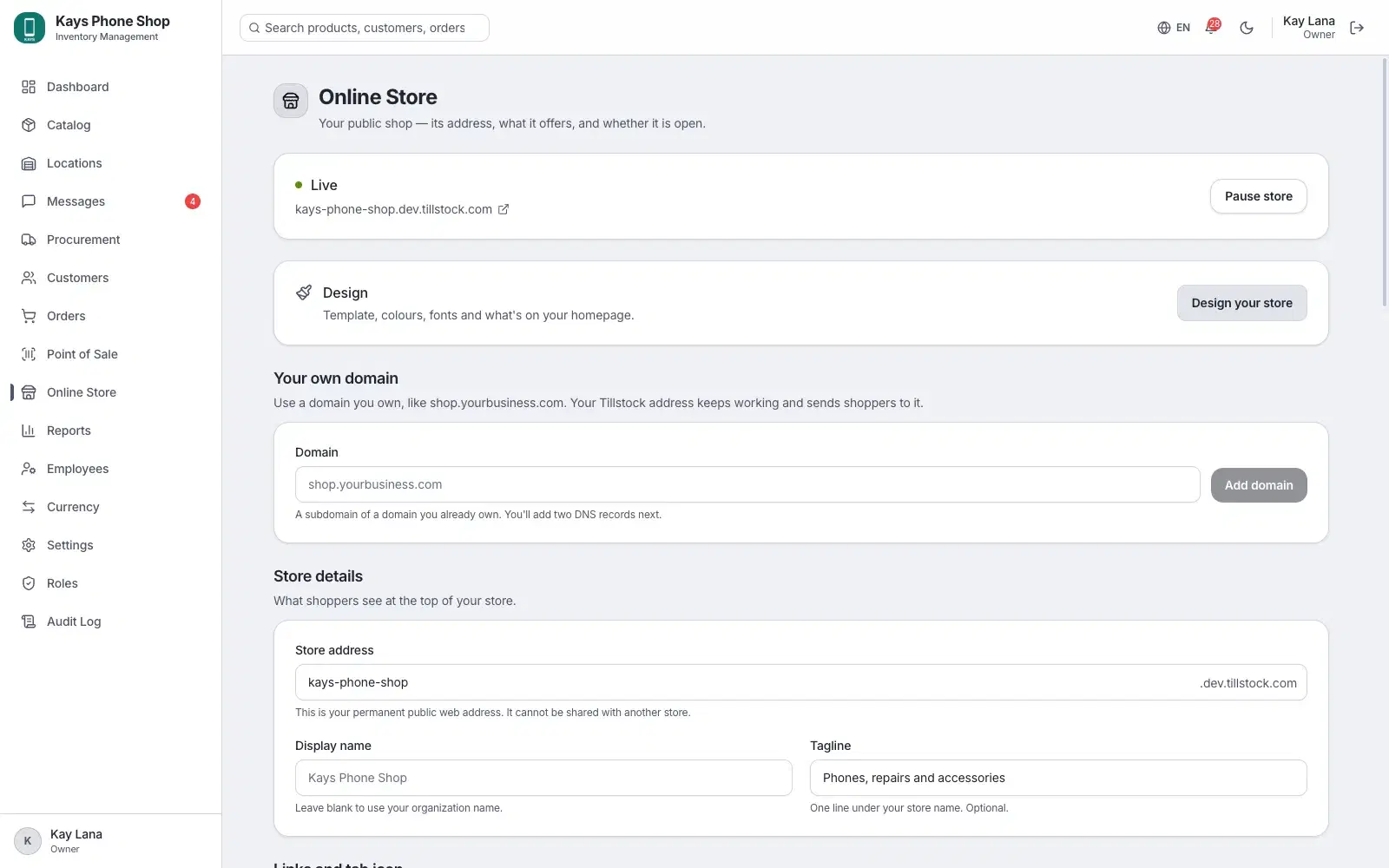
Design it yourself
Pick a template, then make it yours. No code.
5 templates
Classic, Boutique, Market, Noir and Pop.
Your brand
Your logo, colours and 12 font pairings, light or dark.
Homepage sections
Banners, departments, items, FAQs and more.
Preview
On a computer, a tablet and a phone.
Publish when ready
Changes stay a draft until you publish.
Your domain
A free yourstore.tillstock.com address, or your own domain.
Common questions
Canada, in Canadian dollars, with your provincial sales tax.