Industries — Warehouse
Every warehouse, one clear count
Receive against purchase orders, transfer between sites, and see what every warehouse holds.
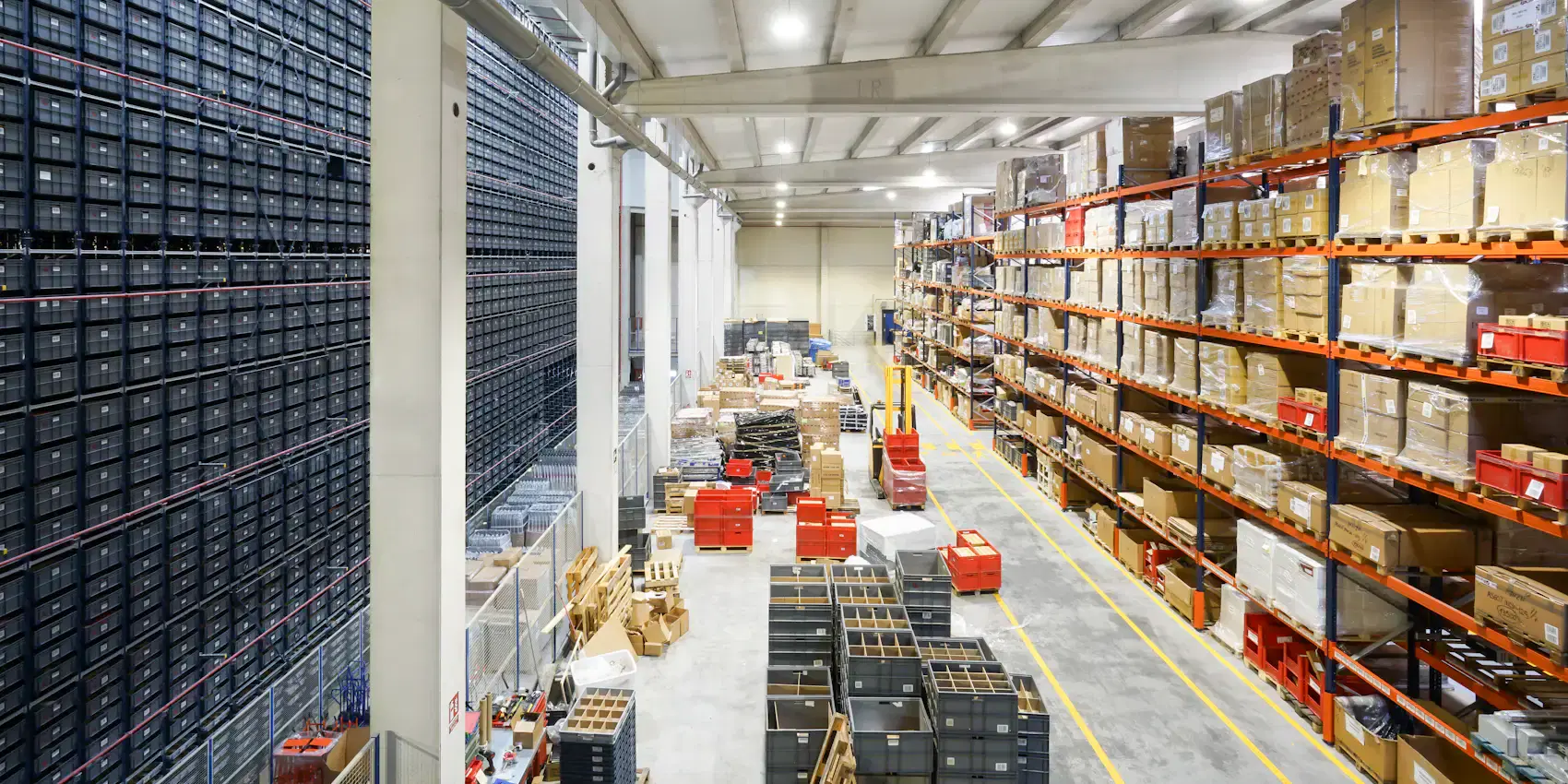
Warehouse Operations
What warehouse teams deal with
Accurate counts depend on every movement being recorded.
Inbound receiving
Deliveries have to land in stock, against what was ordered, the moment they arrive.
Stock in many places
Several sites mean several counts. You need all of them, and each on its own.
Moving stock between sites
Rebalancing shouldn’t mean two manual adjustments and a phone call.
Knowing who changed what
When a count is off, you need every change and who made it.
Platform Features
What Tillstock does for warehouses
Stock per warehouse
See consolidated totals, or open any warehouse’s own dashboard.
Receiving against purchase orders
Raise purchase orders to suppliers and receive deliveries straight into stock.
Transfers between sites
Move stock from one warehouse to another. Both sides update at once.
Low stock across every site
One list of everything running low, wherever it is.
Staff assigned to sites
Warehouse teams see their own site’s stock and reports.
Audit log
Every change recorded with who made it and when, filterable by date and location.
At a Glance
What warehouse teams get
- Stock per warehouse, plus a combined view
- Inbound receiving on purchase orders
- Transfers between sites
- Low stock across every location
- Location dashboards
- Audit log of every change
- Outbound orders — coming with the Online Store package